
Call to action, app
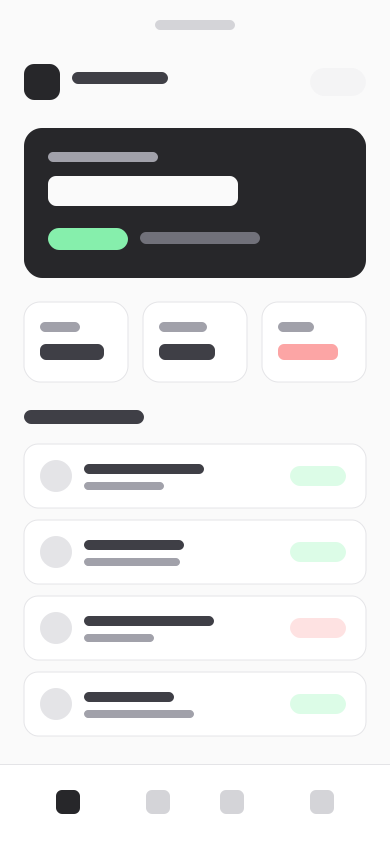
betaGet the app: the promise, ticked facts and a link per store, beside the app's screen in a phone frame.
npx rasengan-ui add cta-app
Invoices in your pocket
Send an invoice from the client's office, and get a tap on the shoulder the moment it is paid.
- Works offline
- Payment alerts
- Scan receipts
- Use it
- A product with a mobile app worth installing, near the end of a page.
- Avoid it
- A web product only: cta-banner.
- Built with
- Button
- Pairs with
- Testimonials, wallFooter, wordmark
Installation
It installs into components/blocks/cta-app/, with what it uses (Button) and lib/blocks.ts.
Usage
Without content, the block shows its example. Pass your own, typed by the block's schema, from a content file (here, the example with one field changed):
Store links are text buttons with generic icons, not the stores' official badges (those artworks have their own terms of use). The app's screen sits in a phone frame drawn with CSS: give a portrait screenshot, about 9:19.5.
Content
| Field | Type | Limits | Guidance |
|---|---|---|---|
title | string | 6–60 chars | 'Invoices in your pocket'. |
sublineoptional | string | ≤ 180 chars | |
stores | object[] | 1–3 items | Text links, not the stores' official badges: use those artworks only under their own terms. |
stores[].store | "app-store" | "google-play" | "web" | Picks the icon; the label says the store in words. | |
stores[].label | string | 2–32 chars | 'Download on the App Store', 'Get it on Google Play'. |
stores[].href | string | ||
pointsoptional | string[] | ≤ 3 items | Up to three short facts: 'Works offline'. |
screen | object | The app's screen, portrait (about 9:19.5), shown in a phone frame. | |
screen.src | string | A local path ('/images/terrace.jpg') or the project's asset URL. | |
screen.alt | string | ≤ 140 chars | What the image shows, for people who cannot see it. Empty only if purely decorative. |
screen.width | integer | ||
screen.height | integer |
Props
| Prop | Notes |
|---|---|
content | CtaAppContent; the example when left out |
id | the section's id, for anchor links; "app" by default |
headingLevel | 1, 2 or 3: the heading's tag; 2 by default |
className | on the <section>, for spacing |
Accessibility
- Each store link says the store in words.
- The screen's
altsays what the app shows.